Five levels of priority
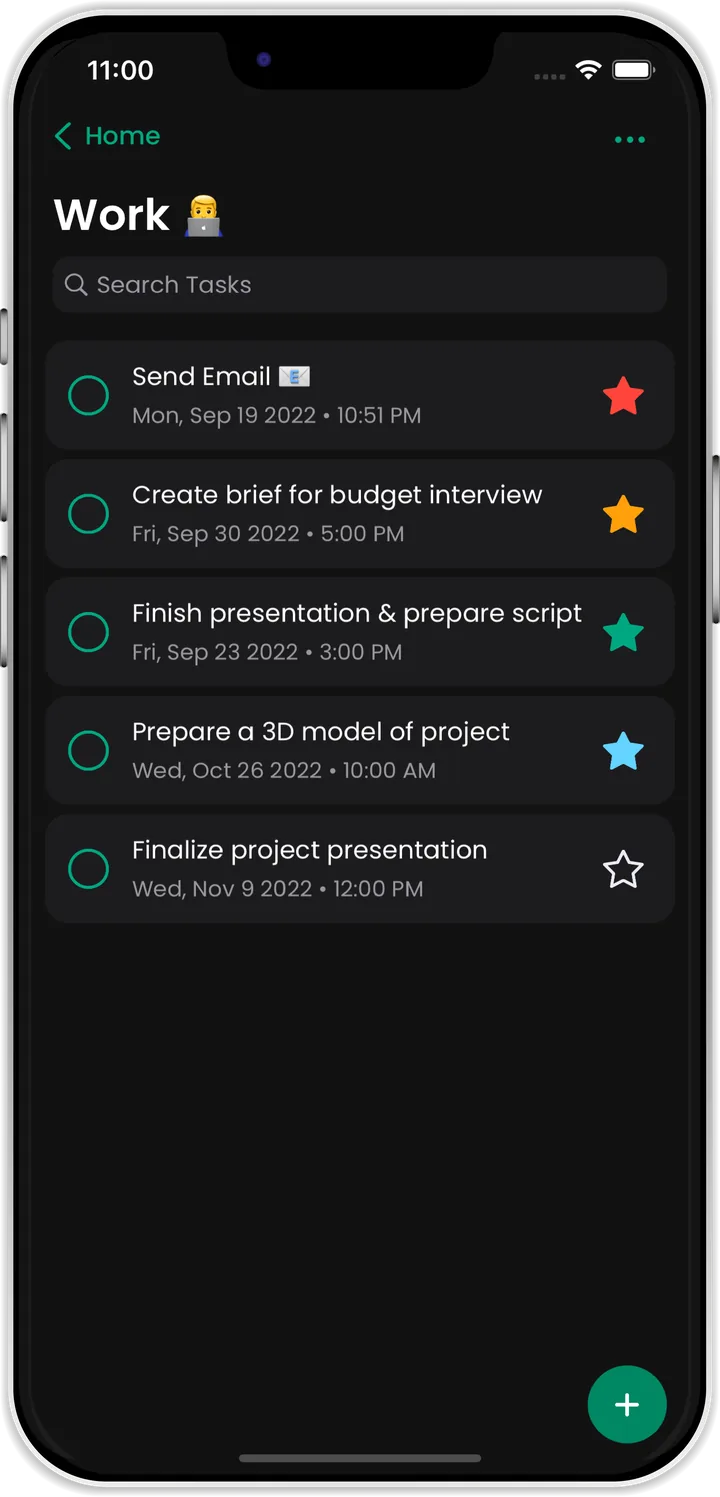
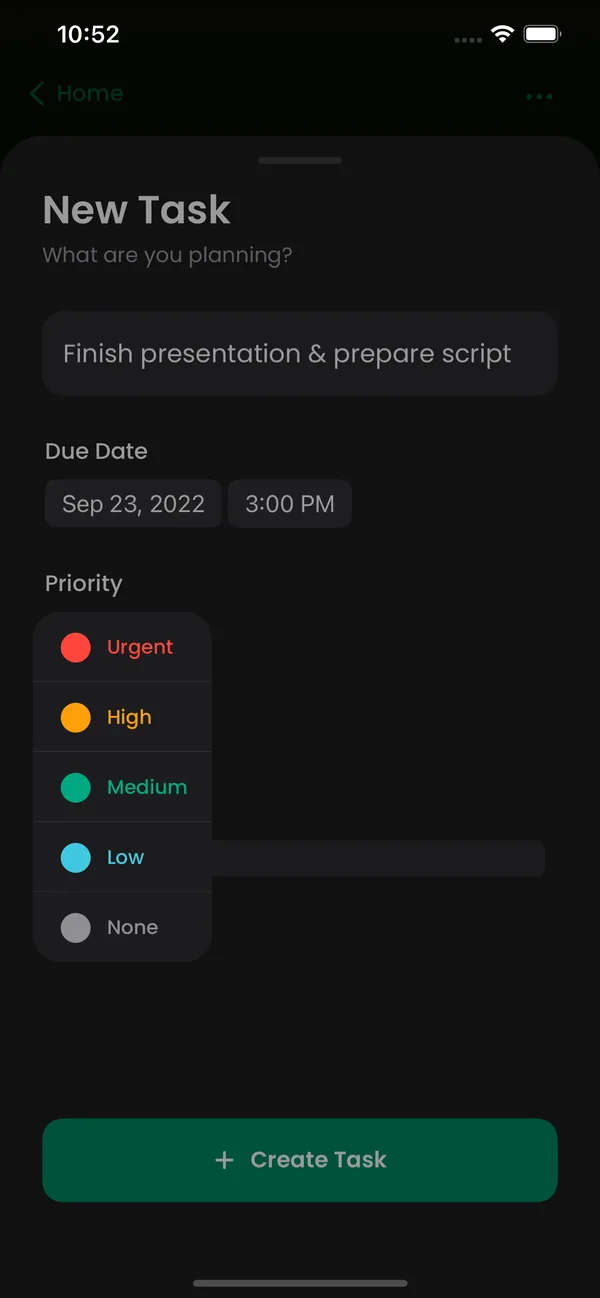
Colour-coded from Urgent to None, so the most important task always stands out from the rest.
 The all-in-one to-do list for iPhone
Organize tasks, plan your day and visualize ideas. All in OneTick, the to-do list that stays out of your way and keeps you on track.
3K+ satisfied customers
getting more done with less stress
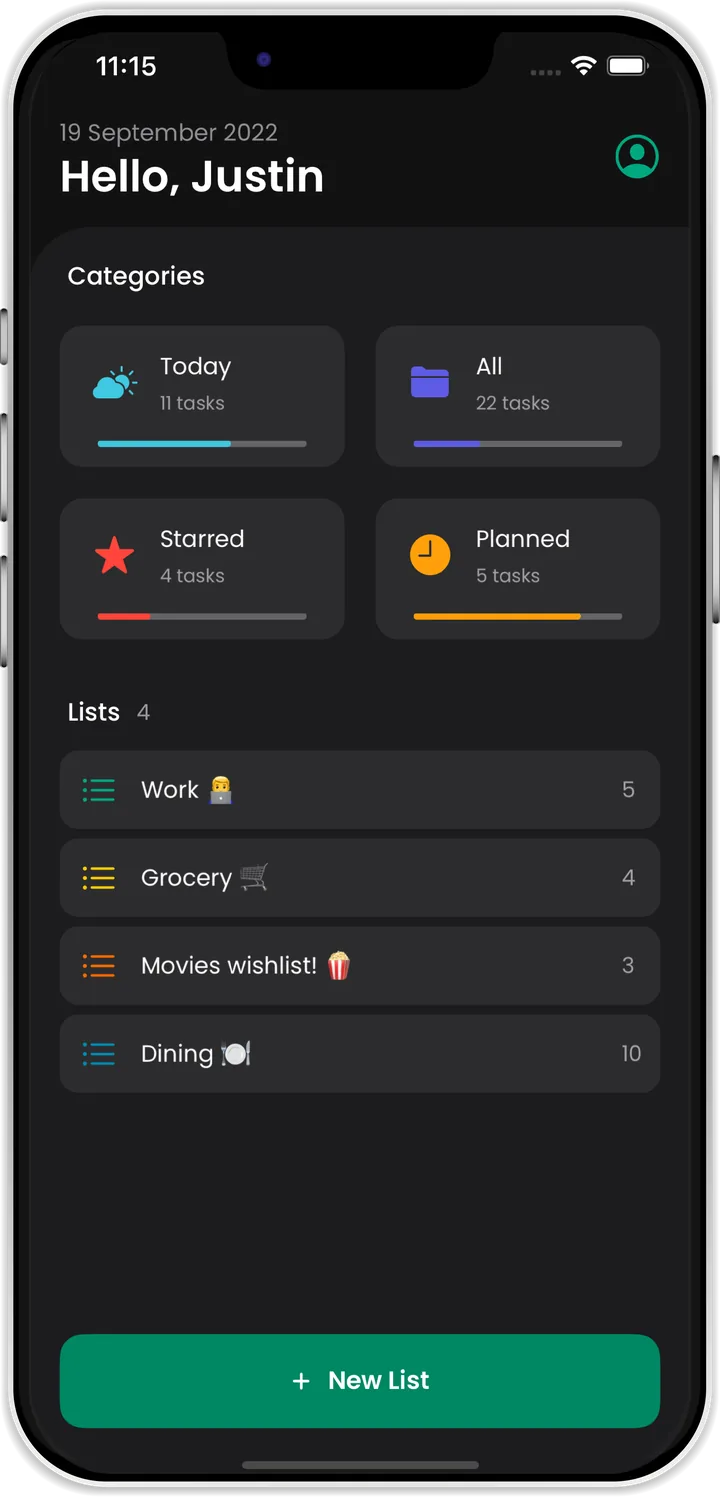
OneTick groups similar tasks together for you. See what's due Today, what you've Planned, the Starred tasks that matter most, and All of it at a glance.
Categories
Colour-code tasks by priority, add the details that matter and find anything instantly. You have full control.
Product Development
Tick a task, tap a star to change its priority, or add your own.
Thoughtful tools that make planning feel effortless, wrapped in an interface that's comfortable to look at all day.
Colour-coded from Urgent to None, so the most important task always stands out from the rest.
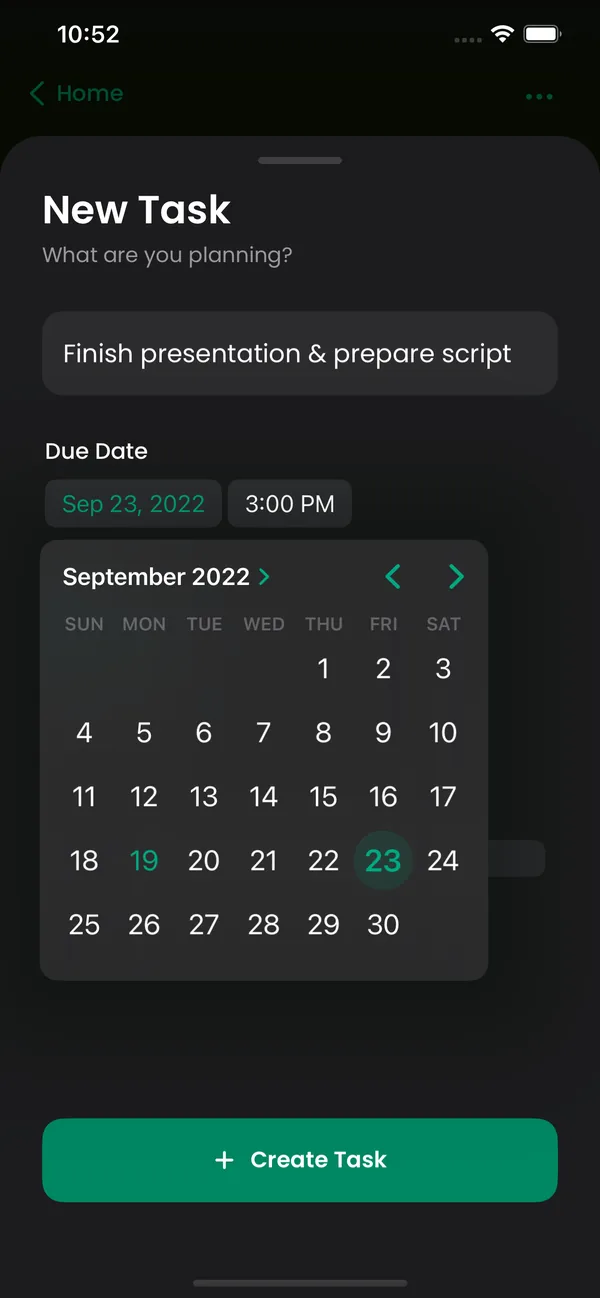
Set a due date and time and OneTick nudges you before it matters.
Give any task a due date, time, location and description.
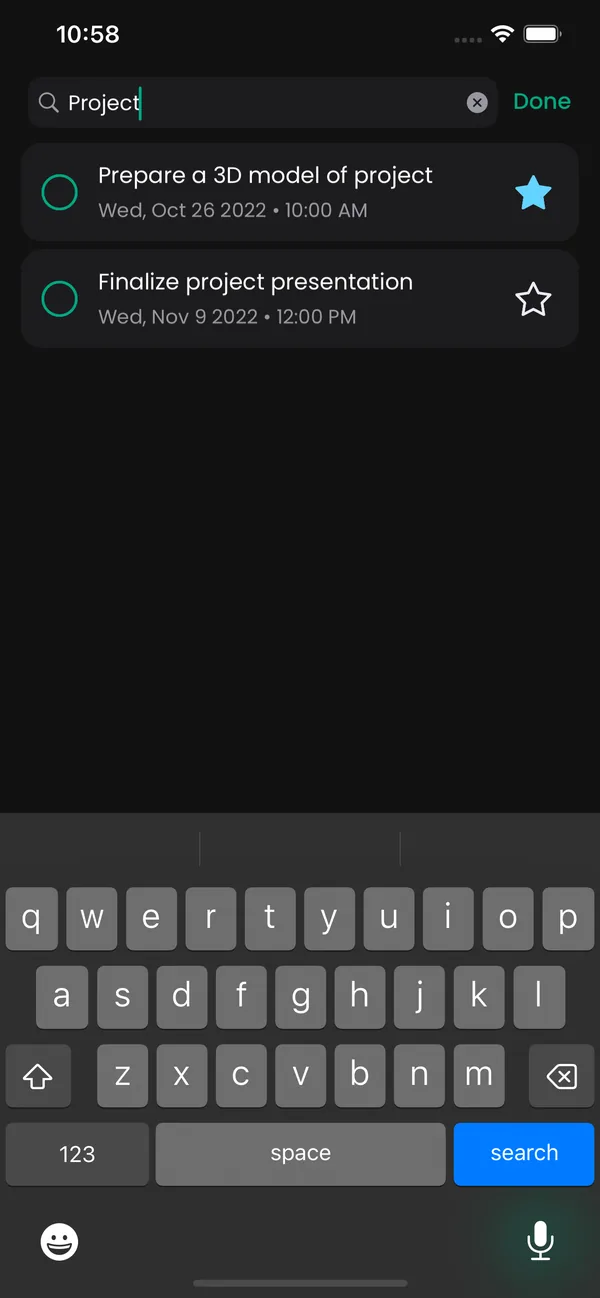
Instant search across your tasks. Sort by due date or importance, and hide completed tasks when you need to focus.
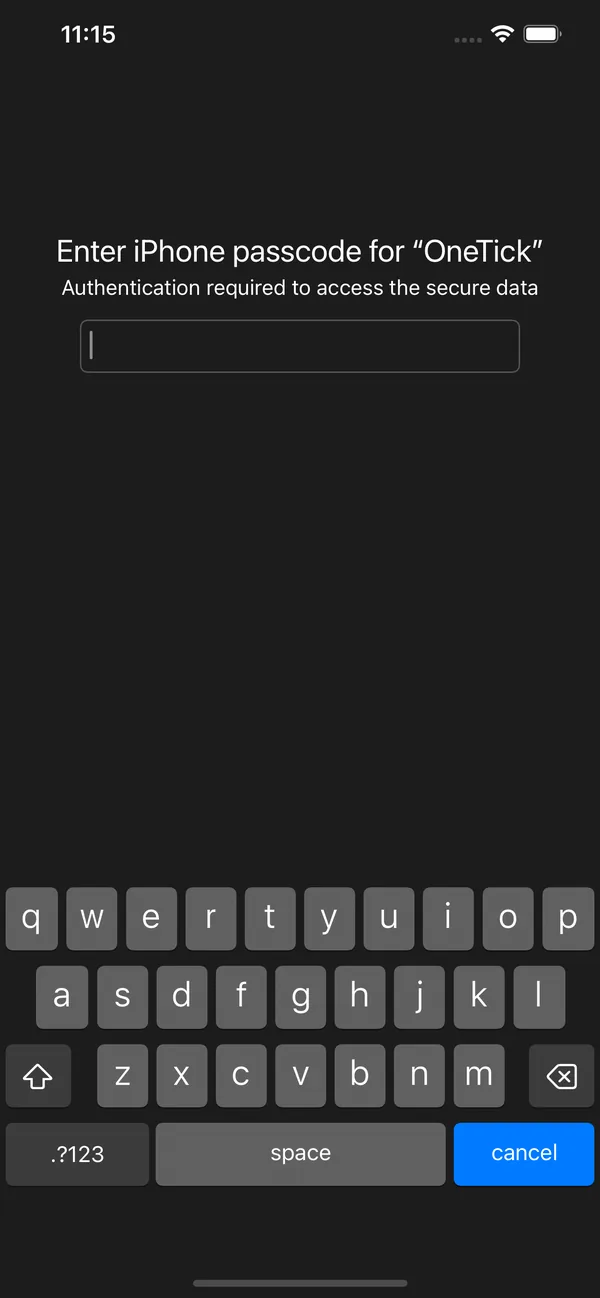
Protect personal lists with Face ID or your iPhone passcode.
Swipe to delete. Long-press and drag to reorder. Fluid animations everywhere.
Start a Pomodoro session and the countdown follows you into the Dynamic Island and onto the Lock Screen. Pause or pick it back up without opening the app, or float the timer over whatever you're working on.
Save where you parked in a tap, get directions straight back to it, and look up every spot you've saved before.
A clean, comfortable interface in both light and dark mode.

“OneTick is like having a personal assistant in my pocket. It's intuitive, powerful, and keeps my life in sync. Whether I'm managing projects or planning errands, OneTick ticks all the boxes for efficiency.”

“With OneTick, I'm always ahead of the game. I used to procrastinate and miss crucial meetings and deadlines. Now I meet my deadlines with time to spare, thanks to the constant reminders. No more missed opportunities!”

“OneTick's user experience is just on point! Whenever I have something on my mind, I jot it down instantly. I just love the sorting features and how simple it makes my tasks.”
OneTick is a minimalist to-do list for iPhone. It brings your tasks, lists, due dates, priorities and reminders together in one calm, fast app, so you can organize tasks, plan your day and visualize ideas in one place.
OneTick is designed for iPhone and takes full advantage of iOS gestures, notifications and Face ID.
Yes. Lock any list and OneTick will ask for Face ID or your iPhone passcode before showing it. Authentication is handled by iOS, so OneTick never sees your biometric data.
We'd love to hear from you. Visit our support page or email support@onetick.com.
Get more done now, with less stress. Your clearer, calmer day starts with one tick.