
Focus timer, right on your Lock Screen
Start a Pomodoro session and the countdown follows you into the Dynamic Island and onto the Lock Screen. Pause or pick it back up without opening the app, or float the timer over whatever you're working on.
Customisable to-do lists at your fingertips, priorities and due dates that keep you on track, and smart categories that keep everything organized.
Four smart categories on the Home screen group similar tasks together automatically, each with a progress bar so you can see how far you've come.
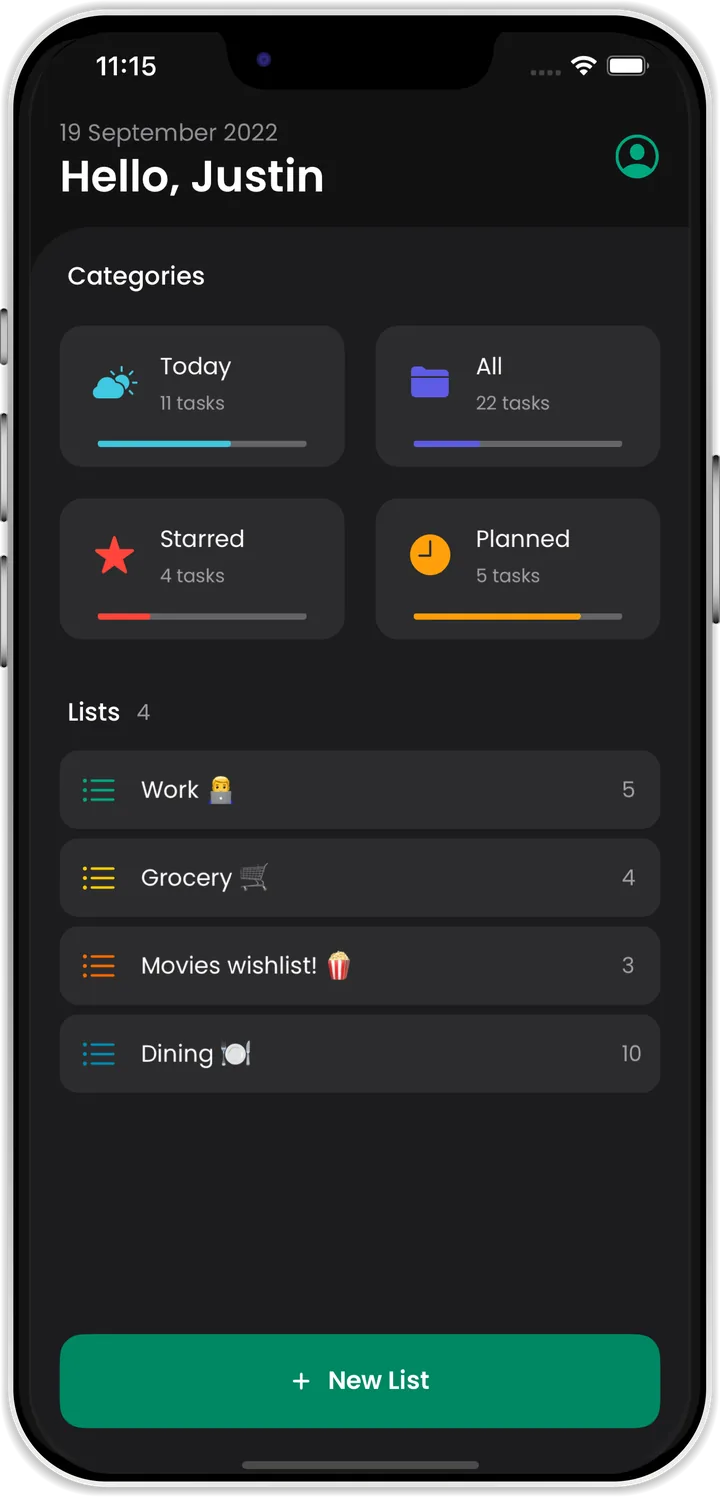
Create lists for work, groceries, movies to watch or places to eat, and add an emoji so you can spot each one instantly. Every list shows how many tasks are left.
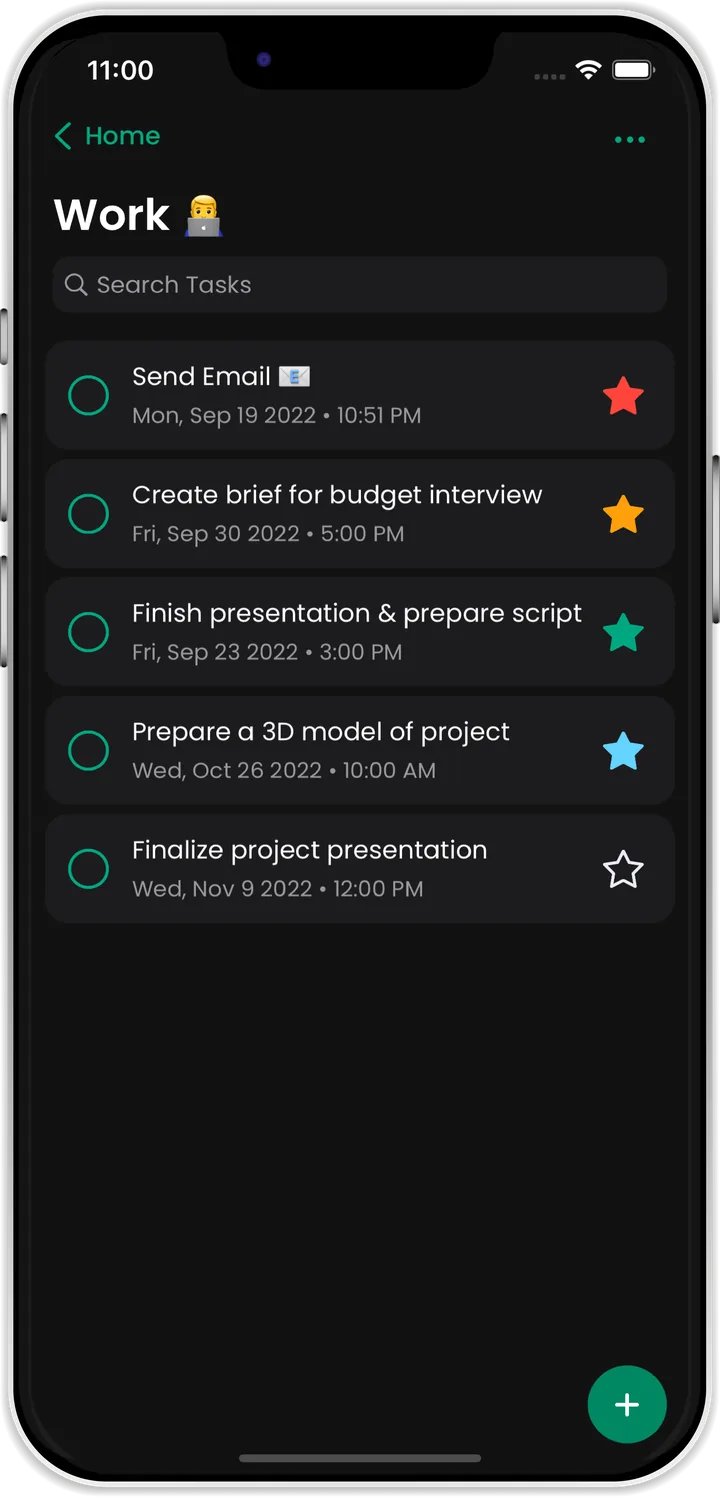
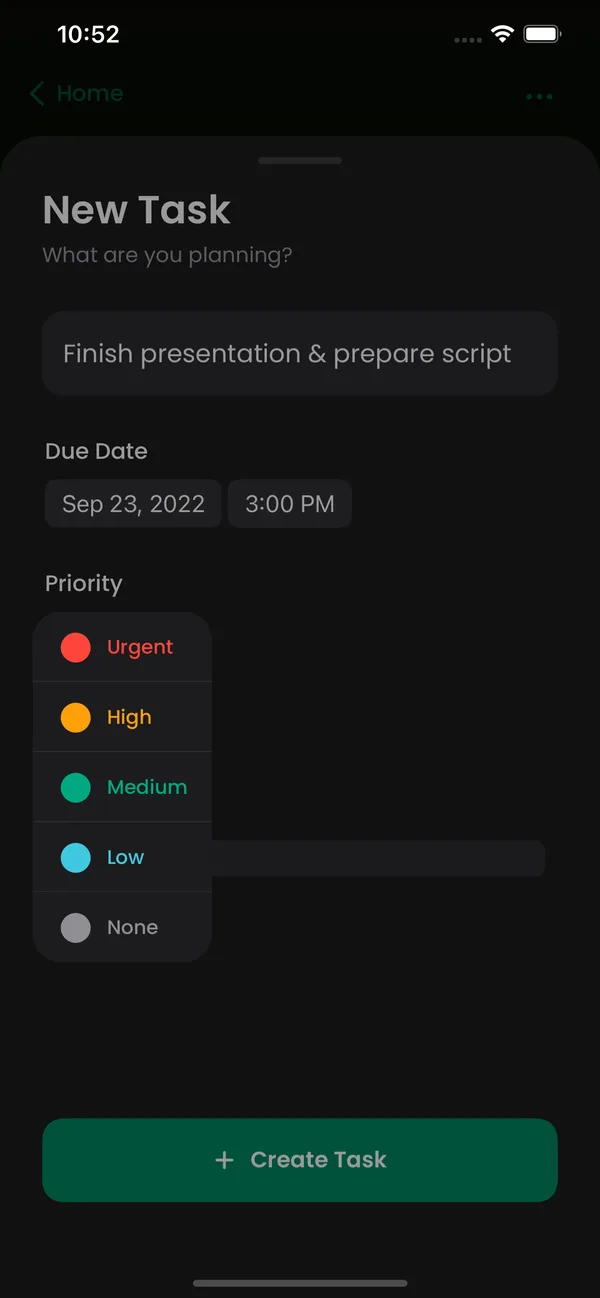
Every task can carry one of five colour-coded priority levels. Sort a list by importance and the urgent work rises straight to the top.
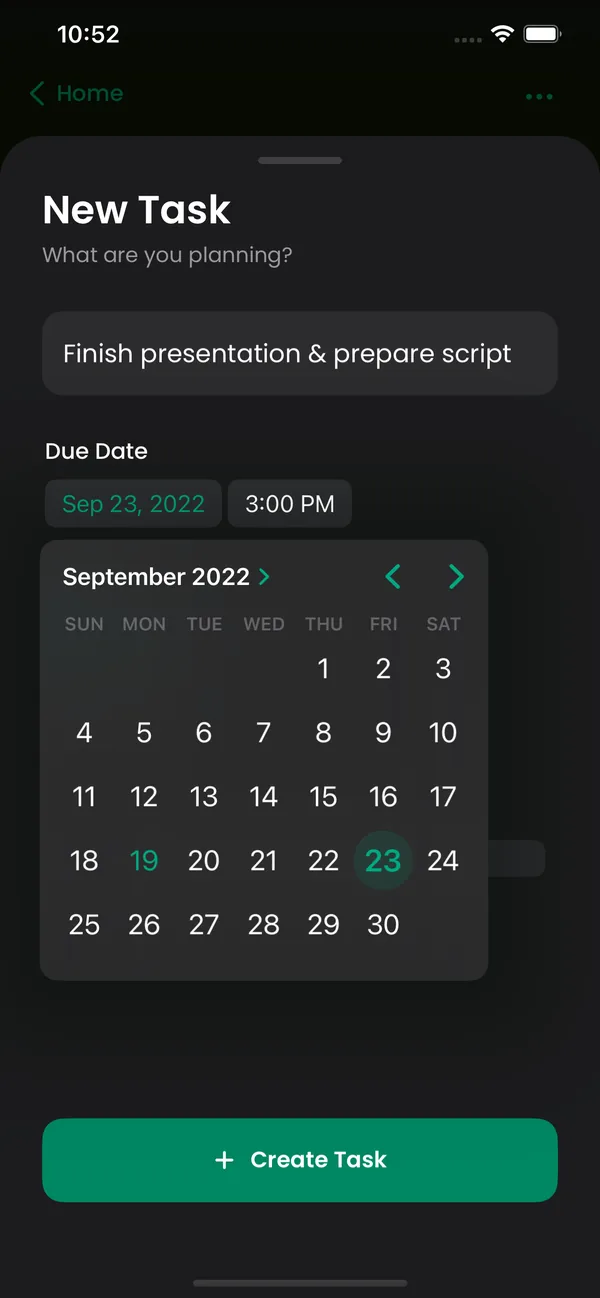
Pick a date from the built-in calendar, set a time, and OneTick takes care of the rest. Turn on notifications and you'll be reminded before every deadline.
Some tasks need more than a title. Add exactly what you need, and nothing you don't.
Task Details
Priority
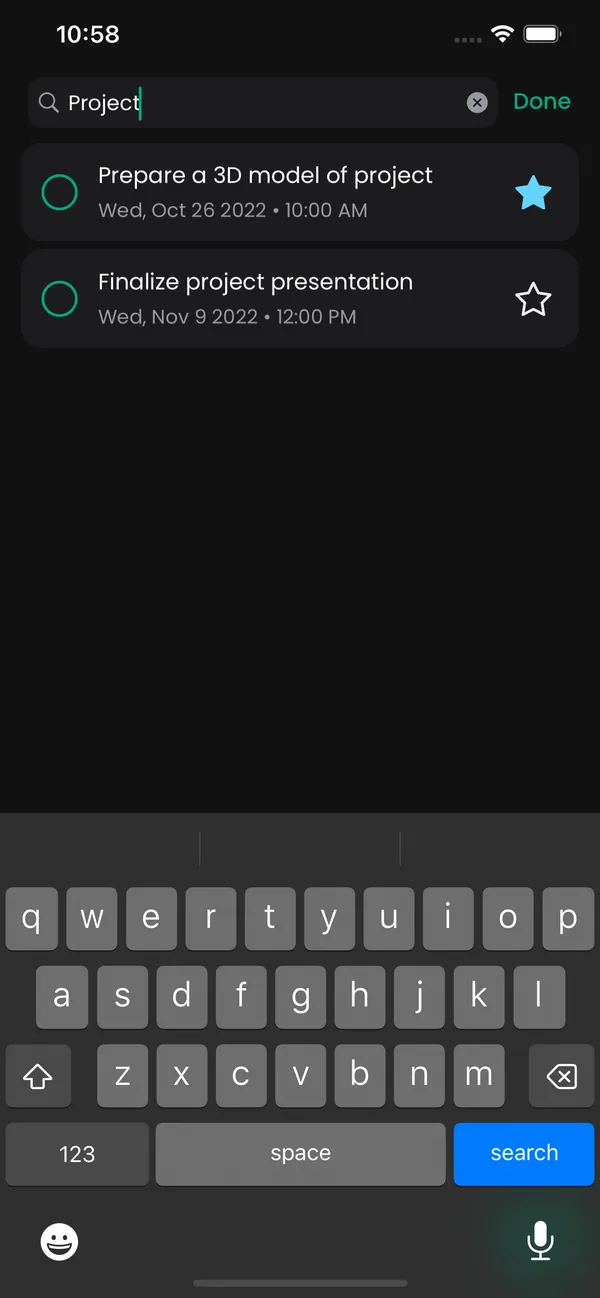
Speed is the key to productivity. Search any list as you type, sort it the way you think, and hide what's already done.
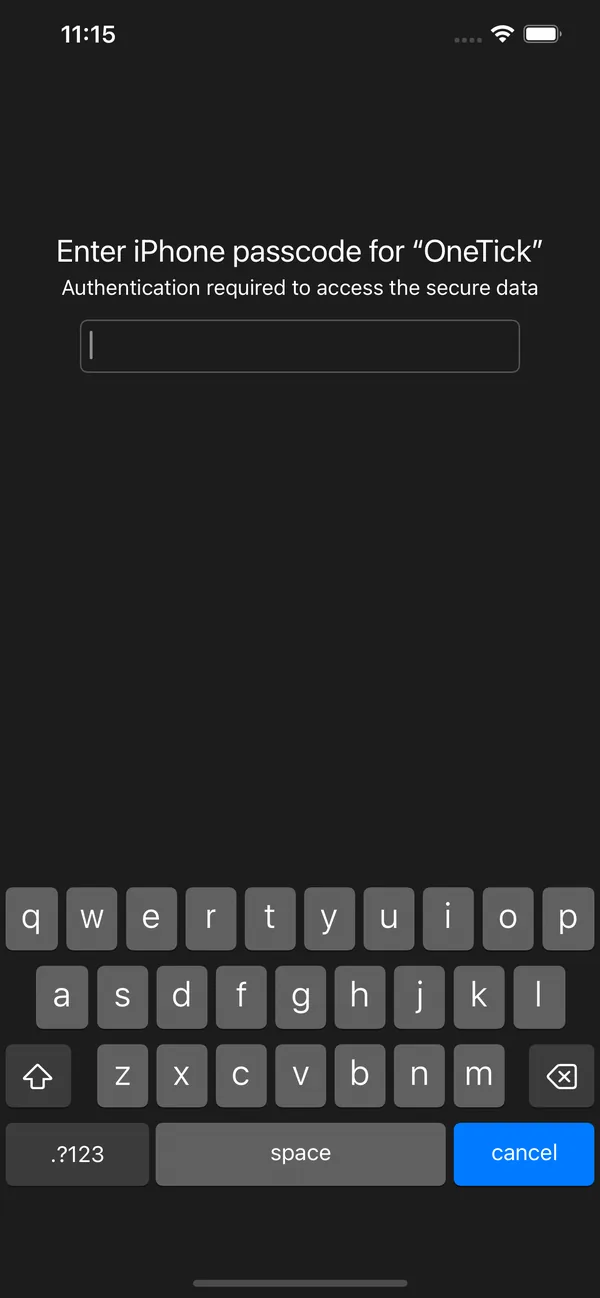
Lock any list behind Face ID or your iPhone passcode. Hand your phone to a friend without worrying about what they'll see.
A list tells you what to do. These two help you do it, and remember where you left things.
Start a Pomodoro session and the countdown follows you into the Dynamic Island and onto the Lock Screen. Pause or pick it back up without opening the app, or float the timer over whatever you're working on.
Save where you parked in a tap, get directions straight back to it, and look up every spot you've saved before.
Clear a task with one swipe, just like the rest of iOS.
Long-press any task and drag it exactly where it belongs.
Tasks show up instantly, with pleasing animations that keep everything fast and fluid.
Turn them on and never miss a thing: deadlines, events and appointments.
Log in to your account any time and pick up right where you left off.
A clean, comfortable interface that looks great in both appearances.
Everything above, in one calm and beautifully simple app.